
How to Download Ossia VMS Software

- Visit the Provision-ISR software download page.
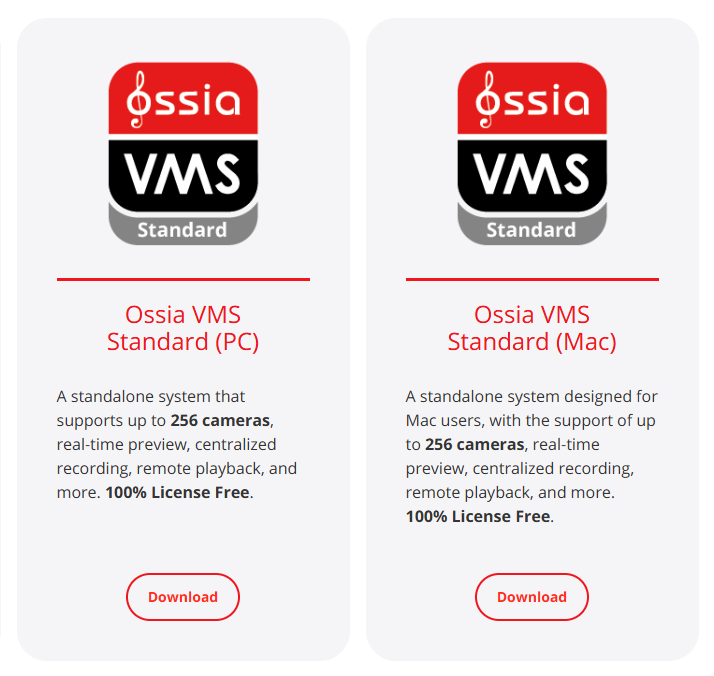
- Choose Ossia VMS Standard (PC) or Ossia VMS Standard (Mac), depending on your computer.
- Open your Downloads folder and locate the ZIP file named Latest VMS Version.
- Extract the ZIP file. On Windows, right-click the file and select the extraction option, then open the Ossia VMS Standard x64 installer. On Mac, open the extracted installer for your Mac.
- Follow the installation wizard to install Ossia.
Still Need Help?
If you need assistance with your security system, contact JM Security. Our team can help.