
How to View Your Cameras in Ossia VMS

- On the Home tab, select Add, Edit or Delete Device under Configuration Management.
- Click Add.
- Select the Manually Add tab.

- Click IP Address.

- Open the drop-down menu and select Serial Number.


- Enter the serial number located below the QR code on top of your recorder, followed by your username and password.

- Click OK, then open Live View.
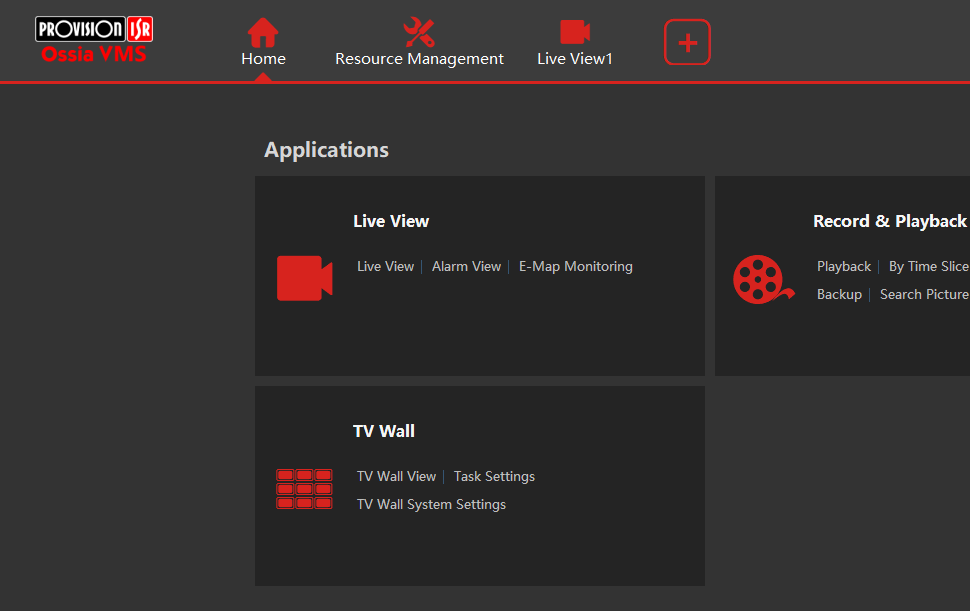
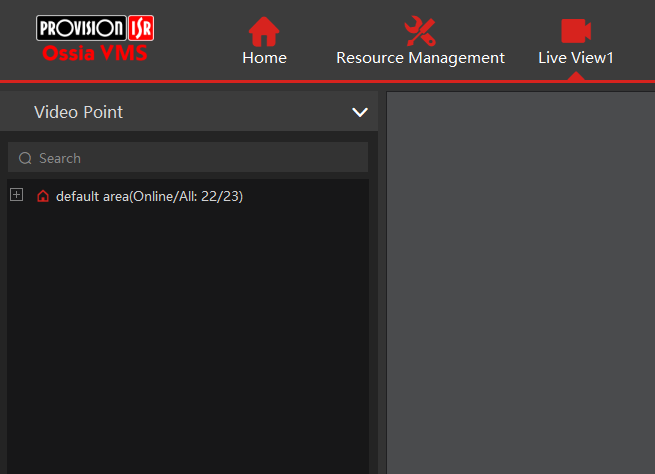
- Your cameras appear on the left. Click the plus icon to expand the camera list.
Still Need Help?
If you need assistance with your security system, contact JM Security. Our team can help.