
How to Find Instructional Videos on Your IQ Panel
Your IQ Panel includes on-screen tutorials for everyday security system functions. Follow these steps to find and watch them.
Finding Instructional Videos
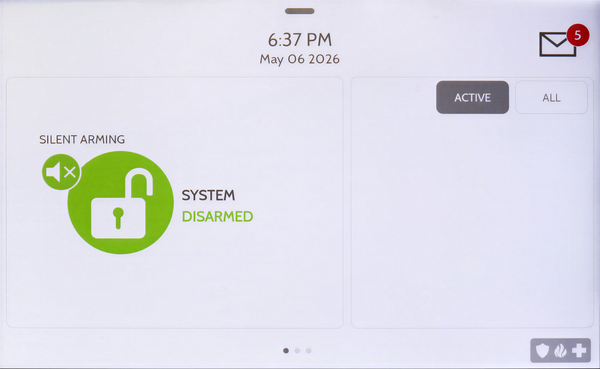
1. Open the Message Center
Tap the envelope icon in the upper-right corner of your panel’s home screen.
2. Select Video Tutorials
Choose the Video Tutorials tab at the top of the Message Center.
3. Choose a video
Browse the available topics and tap a thumbnail to begin watching.
Other Message Center Features
Contact Information
Find your security provider’s contact details.
Alerts and Alarms
Review system alerts and alarm history.
Messages
View messages from your security provider.
Helpful Tip
If a tutorial does not load, check that your panel has an active Wi-Fi connection. Available videos may vary by system.